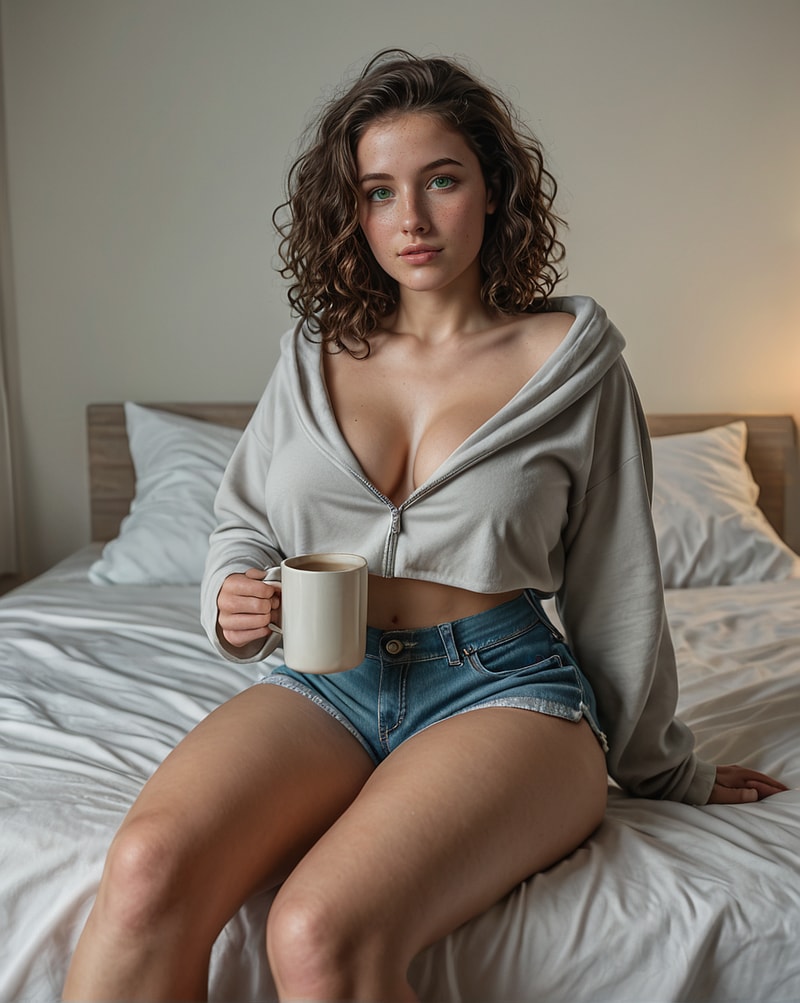
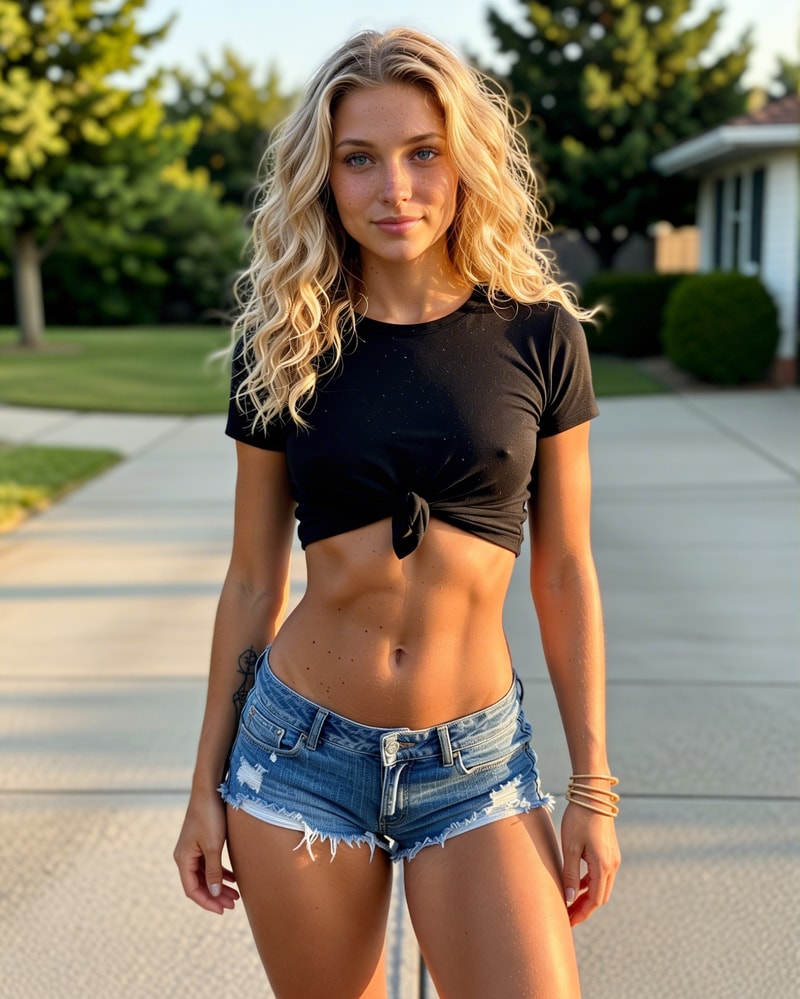
Start with one clear source image
Use an original fictional adult character image you own or have permission to edit. Keep the face and the area you want to change visible. This is an image-editing workflow, not a blank text-to-image generator.
Checking price…
Image tool
Edit a fictional adult character image with a written instruction.
The Soulcutie field guide
Start with an image of a fictional adult character and describe a specific change. The workspace uses one source image and a written instruction to create one edited image; results and supported requests depend on the generation service.
Emily
RileyOpen Adult Image Edit above and choose a suitable source image from the image picker. Follow the source-image advice below.
Describe your intended edit in the prompt field. Check the live credit quote before starting.
Submit your request, wait for the task status to finish and inspect the result. Save a version you like, or adjust your input before trying again.
Use an original fictional adult character image you own or have permission to edit. Keep the face and the area you want to change visible. This is an image-editing workflow, not a blank text-to-image generator.
Say what should change and what should stay consistent, such as the background, lighting or visual style. The editor requires an instruction of at least 10 UTF-8 bytes. For example: “Replace the gray background with warm terracotta. Preserve the face, pose, and clothing.” Start with one clear change, then compare the result with the original.
The workflow is designed to retain unrequested character features, but likeness is not guaranteed. Inspect the face, edges, hands, lighting and background. Keep the original image when you need to compare the result.
Review the quote in the workspace before generating. Access, plan entitlements and pricing are checked by the server. A missing or unavailable quote is not a promise of free generation.
Adult positioning does not mean every request is accepted. Content rules and provider restrictions apply. If a task fails, read its status and any balance adjustment before trying again; do not repeatedly submit the same request.
Create your own fictional character for continued conversations, or use the appropriate image and video tools for a separate task. Your private generation history is an account workspace, not a public search gallery.
Open Adult Image Edit above and choose a suitable source image from the image picker. Follow the source-image advice below. Describe your intended edit in the prompt field. Check the live credit quote before starting. Submit your request, wait for the task status to finish and inspect the result. Save a version you like, or adjust your input before trying again.
The current base cost is 10 credits. Selected options, output count and account access can affect the final quote. The workspace shows the live price and any sign-in or membership requirement before generation.
Yes. Choose a suitable image through the workspace picker. Use images you own or have permission to use, and obtain consent from anyone depicted. This service is for adults aged 18 and over.
No. AI generation can change faces, anatomy, textures and other details. Keep your original source and inspect each result before using or sharing it. Completion time also varies with the request and provider.
Adults only
This website may contain mature AI-generated stories and media. You must be 18 years of age or older to enter.
This confirmation is remembered on this device. By entering, you agree to our Terms and Privacy Policy.